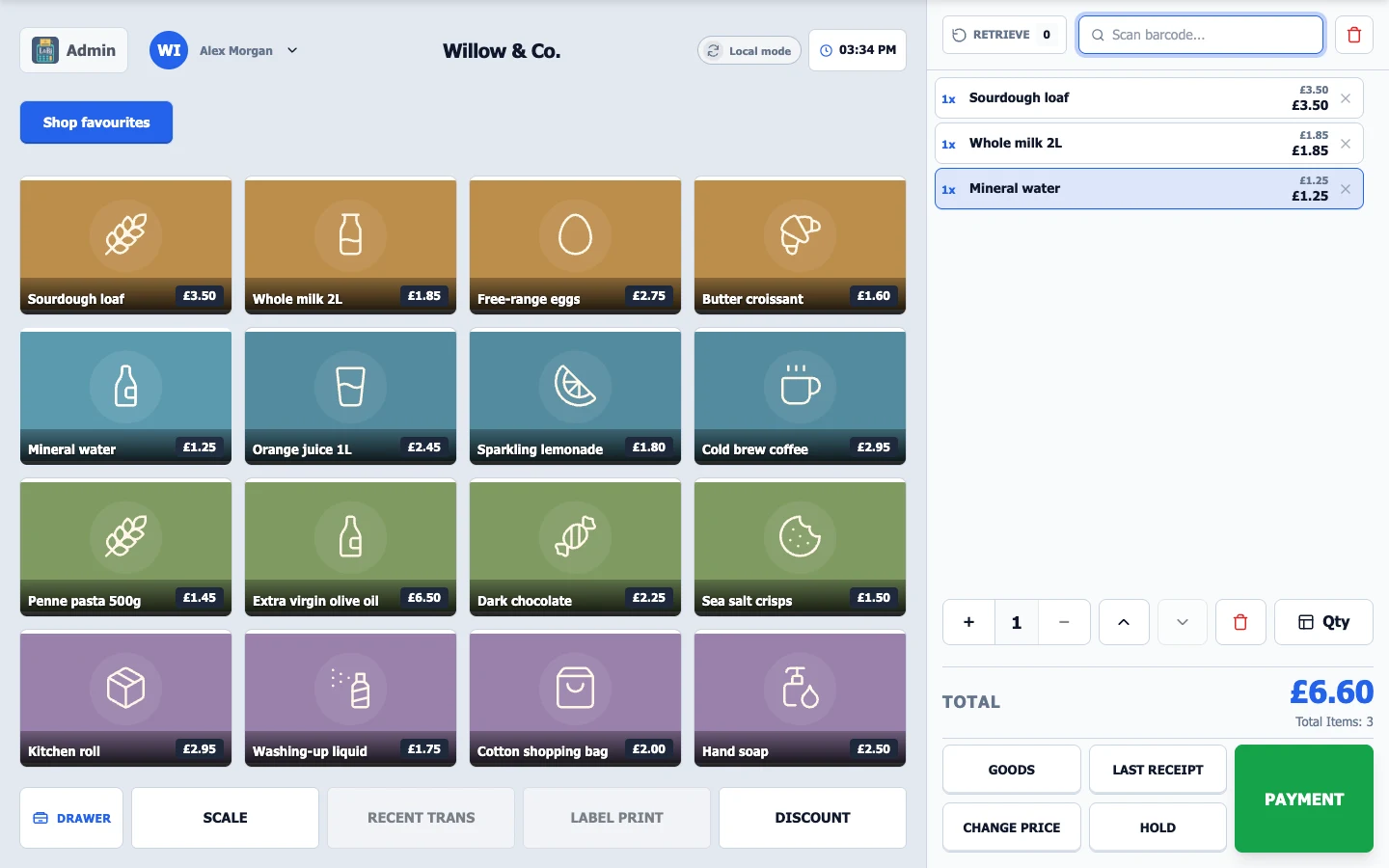
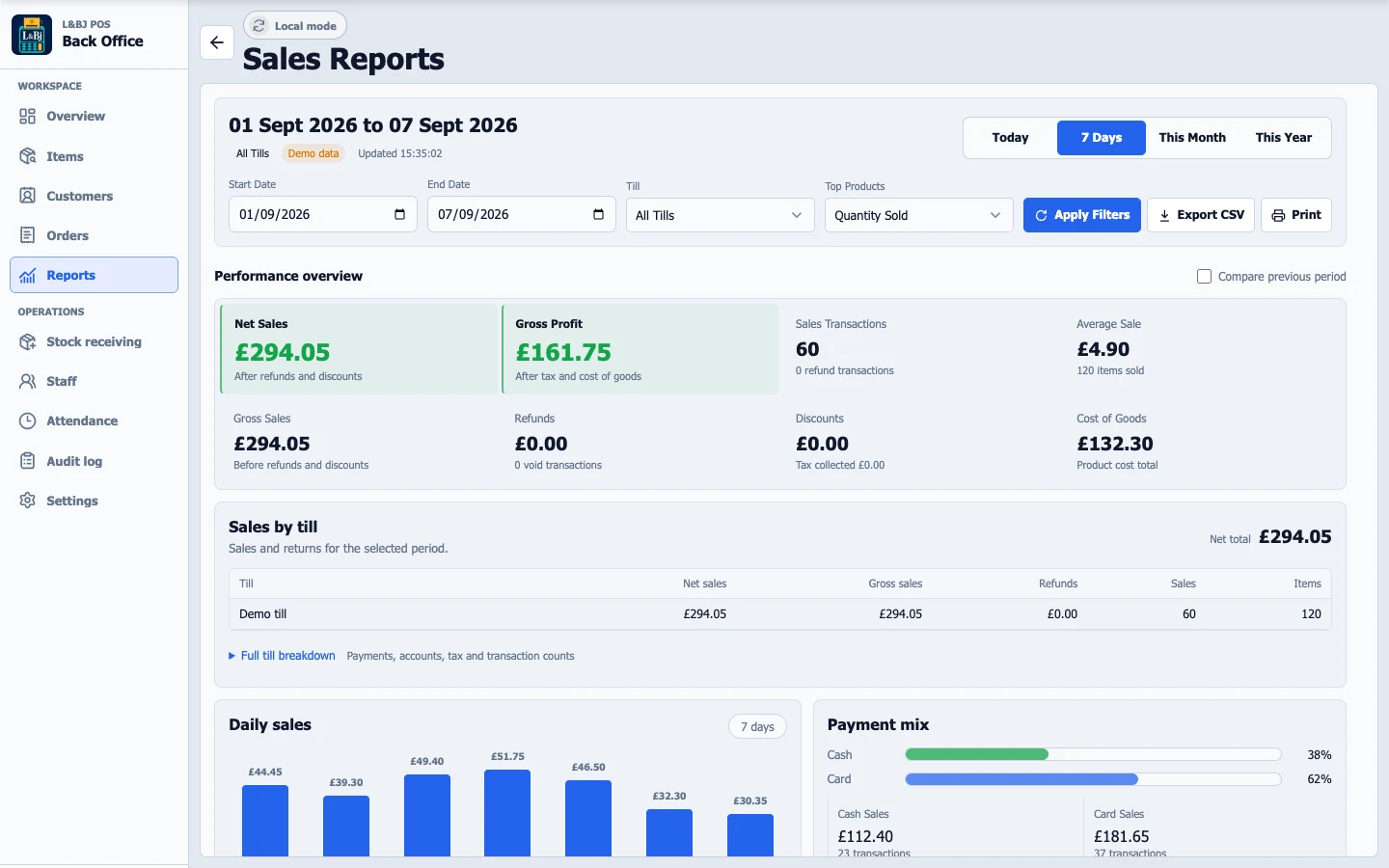
Yes. The demo is built from the same Svelte interface as the installed L&Bj POS app, with a fictional shop and browser-based sample data. Hardware and payment terminals are simulated.
Can I try it on my phone?
Yes. The website works on phones, tablets and desktops. The checkout demo has separate product and cart views on small screens. A larger screen gives you the closest experience to a shop till or Back Office computer.
Will the demo charge me or change a real shop?
No. All transactions are simulated. Your changes stay in your own browser tab, separate from other visitors and real shop data. Use Reset demo to restore the sample shop. Closing the tab ends that demo session.
Do I need a touchscreen for Back Office?
No. Back Office is designed for a normal computer with a keyboard and mouse. Checkout is designed for a touchscreen till. You can explore both in the demo.
What about printers, scanners and other hardware?
The installed system supports compatible checkout hardware. Physical printing, cash drawers, payment terminals and device connections need the installed app and suitable equipment. We can help you choose and configure the setup for your shop.
LET’S MAKE IT YOURS
Your next chapter starts at the counter.
Tell us about your shop. We’ll help bring the right software, hardware and setup together.